Overview
Our group does predictions for every EIHL game day. Each question goes up as a WhatsApp poll, everyone votes, and after the game the admin goes through the polls and updates a spreadsheet by hand. It mostly works. The spreadsheet relies on the admin’s patience, and WhatsApp lets you change your vote whenever you like, which some people have made good use of after the deadline.
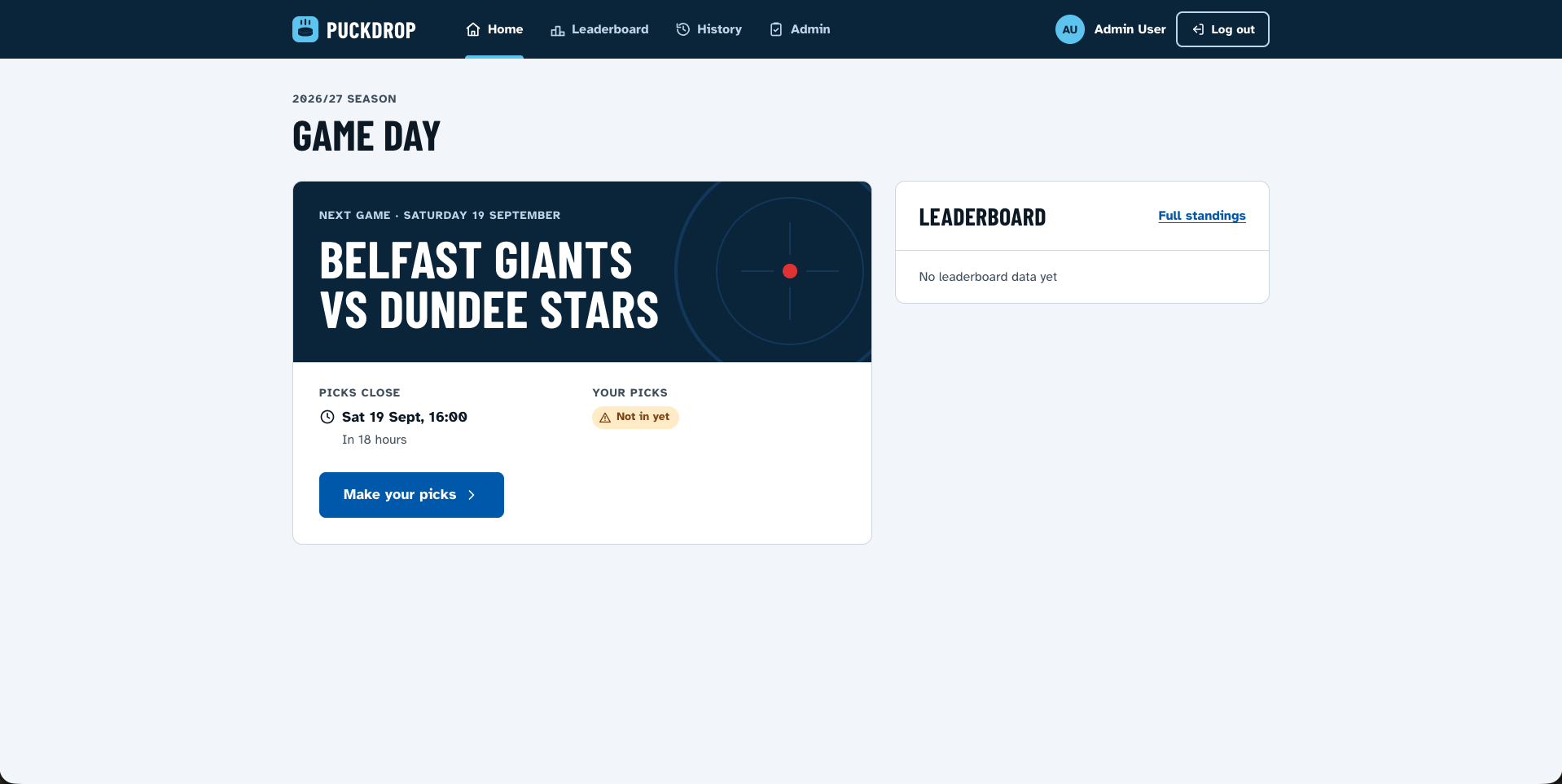
PuckDrop replaces all that. The admin posts the questions, everyone locks in their picks before puck drop, the admin marks the right answers after the game, and the season leaderboard updates itself. Picks lock at the deadline, no exceptions.
It’s fully serverless: Blazor WebAssembly on S3 and CloudFront, an ASP.NET Core API on AWS Lambda, one DynamoDB table and Cognito for sign-in. I use Aspire for local development on every project, whatever the stack, and I’d used its AWS integration locally before. What was new here was using Aspire to deploy. The same AppHost that runs everything on my machine also runs the end-to-end tests and deploys the whole thing to AWS.
The full story of how it was built is in the blog post: Building PuckDrop with Aspire, Blazor and AWS.
Features
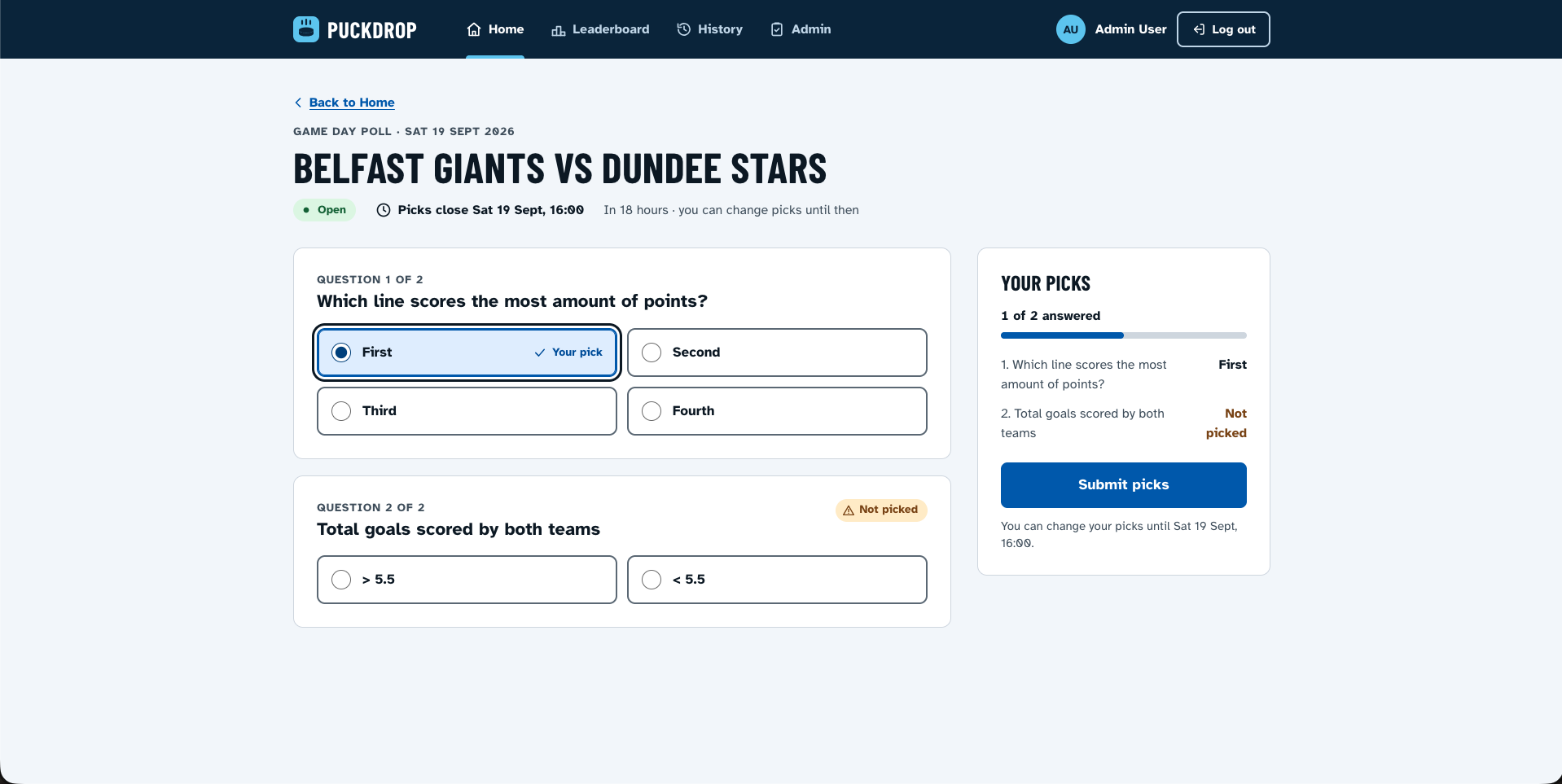
- Game day polls: the admin creates multiple-choice questions for a game and publishes them when they’re ready
- Picks: change your mind as often as you like until puck drop, then they’re locked
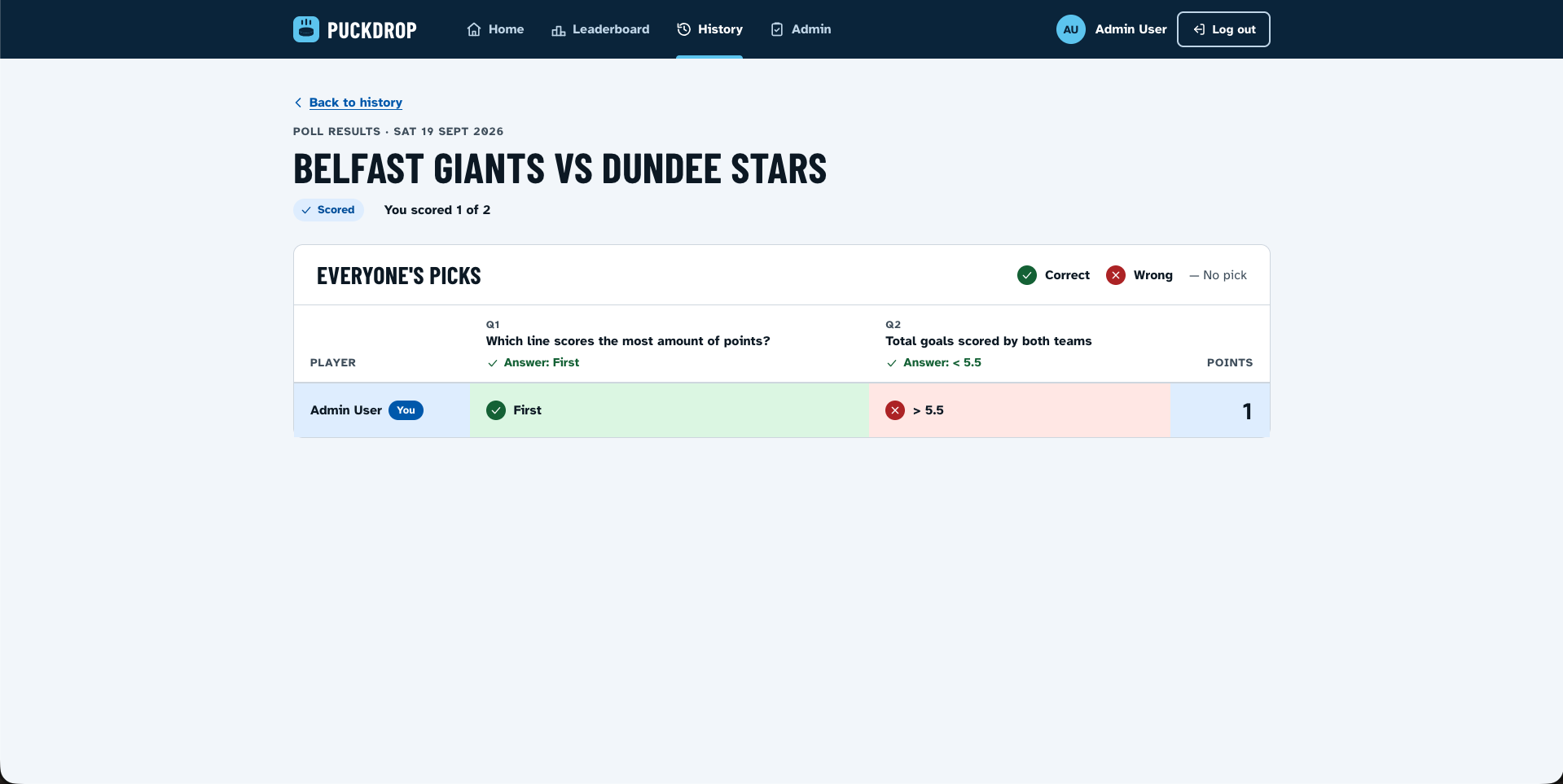
- Scoring: after the game, the admin marks the correct answer for each question
- Results: everyone’s picks side by side, with the right and wrong ones marked
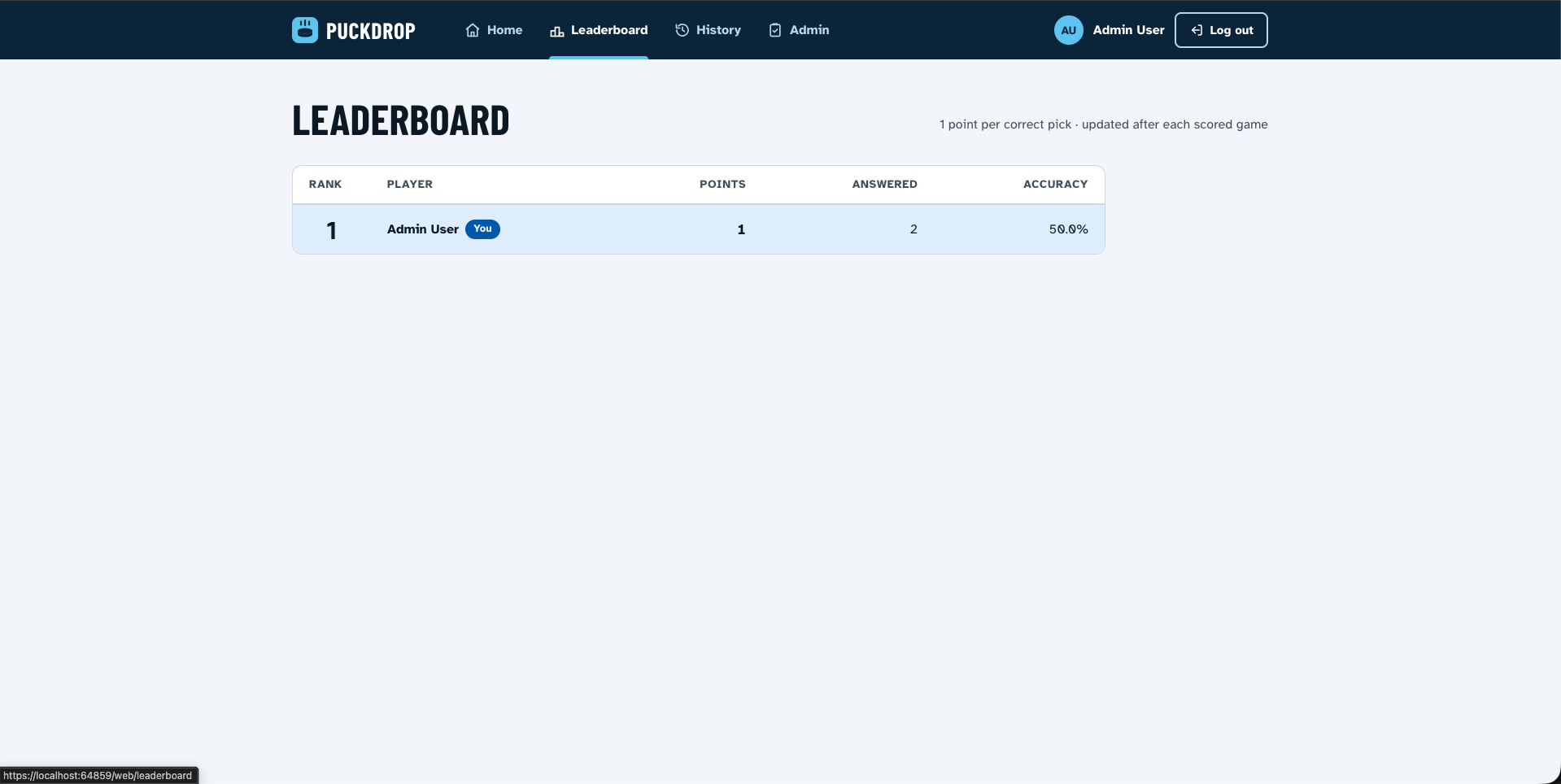
- Season leaderboard: points, accuracy and ranking, with your own row highlighted
- History: past game days and how you did
- Stay signed in: closing the browser doesn’t log you out, for up to 30 days
- Accessible: a custom design system built to WCAG 2.2 AA
Tech Stack
Frontend: Blazor WebAssembly (.NET 10) with a custom CSS design system
Backend: ASP.NET Core on AWS Lambda
Database: Amazon DynamoDB, single table
Auth: Amazon Cognito in production, Keycloak locally
Orchestration: Aspire
Infrastructure: AWS CDK, deployed with aspire deploy
Hosting: S3 + CloudFront for the UI, API Gateway for the API
Testing: xUnit, bUnit, and Playwright with Aspire.Hosting.Testing
Architecture Decisions
- Clean Architecture, with Domain, Application, Infrastructure and API projects. The poll rules, including the deadline lock, live in the domain and application layers, where they’re easy to test and hard to get around.
- One DynamoDB table, with keys designed around how the app reads data. The leaderboard stores points inverted in its sort key, so one query returns it highest score first.
- Cognito and Keycloak mark admins differently, so both the API and the UI map them to a single
adminrole. Switching provider is a config change. - The Blazor app fetches its sign-in settings from the API at startup. A static site can’t know the Cognito IDs until the stack has been deployed.
- CloudFront sends
/puckdrop/*to API Gateway, so the app talks to its API on the same domain. No CORS, and no API URL baked into the build. - The site is restricted to Europe, since that’s where everyone who uses it lives.
Project Structure
PuckDrop/
├── API/
│   ├── src/
│   │   ├── PuckDrop.Domain           # Entities and business rules
│   │   ├── PuckDrop.Application      # Use-case services and repository interfaces
│   │   ├── PuckDrop.Infrastructure   # DynamoDB repositories and mapping
│   │   └── PuckDrop.Api              # Controllers, auth, Lambda entry point
│   └── tests/                        # Domain, Application and API tests
├── UI/
│   ├── src/PuckDrop.Web              # Blazor WebAssembly app
│   └── tests/PuckDrop.Web.Tests      # Unit and bUnit component tests
├── Infrastructure/
│   ├── PuckDrop.AppHost              # Aspire app model and CDK deployment stack
│   ├── PuckDrop.ServiceDefaults      # Server OpenTelemetry and service defaults
│   └── PuckDrop.ClientServiceDefaults # Blazor WASM telemetry defaults
├── tests/PuckDrop.E2ETests           # Playwright tests against the real AppHost
└── docs/                             # Design docs
Local Development
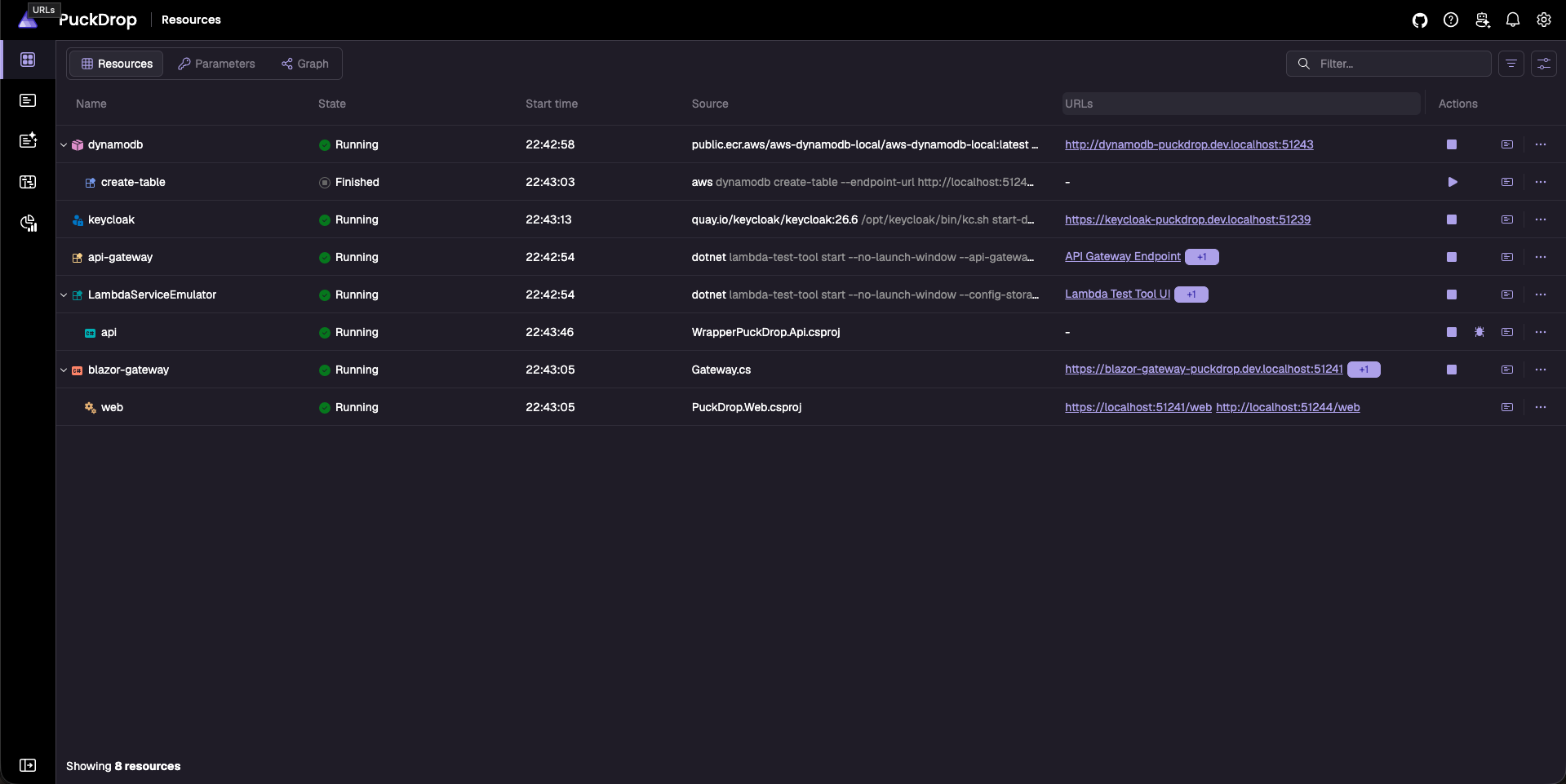
aspire startThat’s it. DynamoDB Local, Keycloak with test users already set up, the API running in AWS’s Lambda emulator behind an API Gateway emulator, and the Blazor app all start together, with logs and traces in the Aspire dashboard.
Deployment
Deploy: aspire deploy
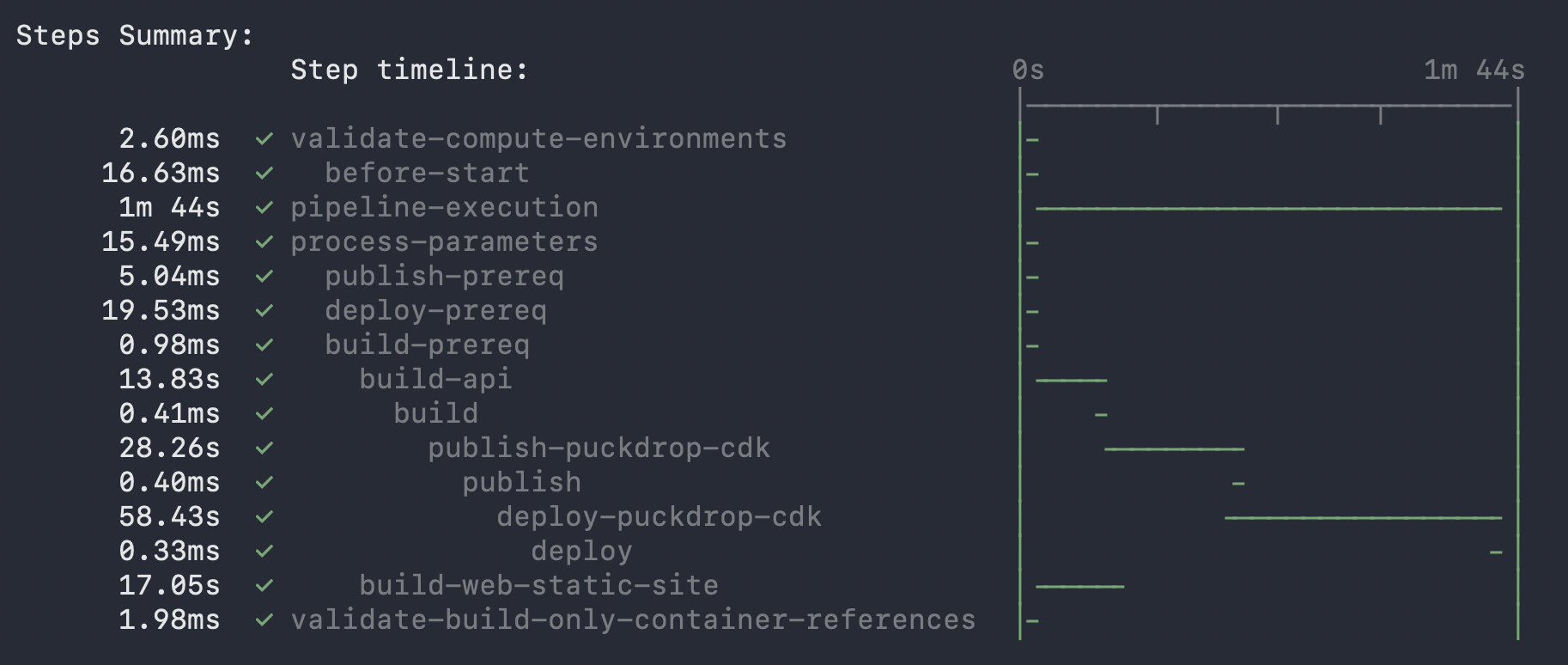
The AppHost declares a CDK stack, and that stack holds the things that aren’t Aspire resources: the DynamoDB table, Cognito and API Gateway. The Lambda publishes into the same stack, and a callback wires it up, so the Cognito IDs and table permissions come straight from the stack instead of copied config. Keycloak and the other local-only bits never leave my machine.
Aspire’s AWS integration can deploy a Lambda but not a Blazor app, so I wrote my own publish target for S3 and CloudFront, modelled on the one AWS has for JavaScript apps but hasn’t released yet. Its dotnet publish runs as its own step in Aspire’s deploy pipeline, alongside the Lambda packaging. Extending both the pipeline and the AWS integration turned out to be pretty painless.
Testing
There are around 200 unit and component tests. The bigger effort went into the end-to-end suite. It uses Aspire.Hosting.Testing to boot the real AppHost inside a test run, then Playwright drives a real browser through a whole game day: the admin creates and publishes a poll, a friend votes, the admin scores it, and the test checks the results and leaderboard. Other tests cover login, admin-only pages, logout and staying signed in.
Getting it stable took a weekend. The Lambda emulator only handles one request at a time, which made for some creative timeouts.
Challenges
Once it was deployed, the API felt slow for no obvious reason. Bumping the Lambda’s memory barely helped. A HAR file of the live site showed small API calls taking 1 to 10 seconds, and the culprit was telemetry. The Lambda was trying to send OpenTelemetry data to a collector that only exists on my machine, and it retried that before every response. It only sends telemetry when there’s somewhere to send it now.
The other lesson was timing. I had the CDK stack in place by July but didn’t run a real deploy until September, and nearly every surprise showed up that week. Next time I’ll deploy much earlier.
Future Roadmap
- Load testing against the deployed site
- Security tests that go straight at the API
- AI-generated post-game recaps and end-of-season awards
- Suggested correct answers from the EIHL’s official gamesheets